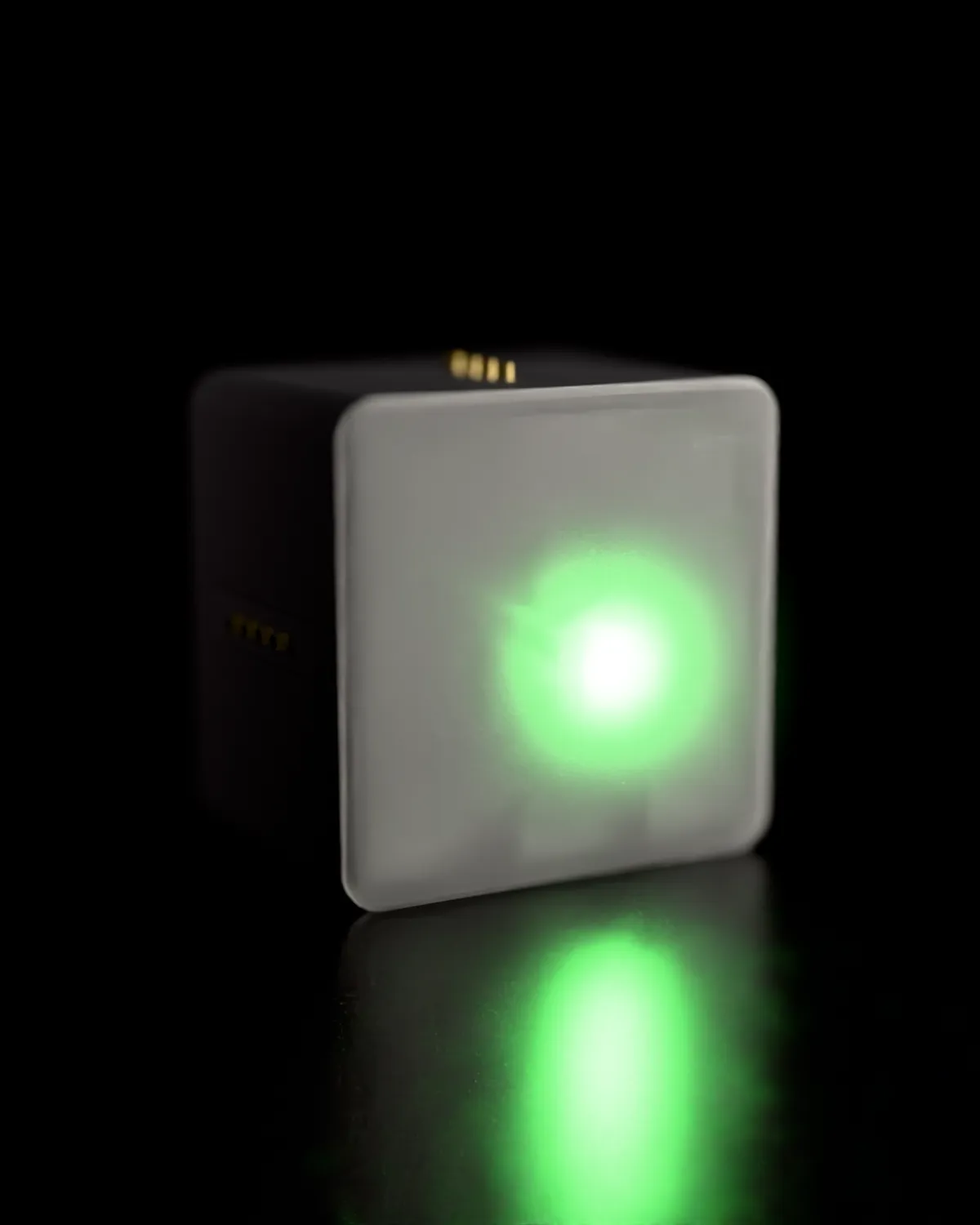
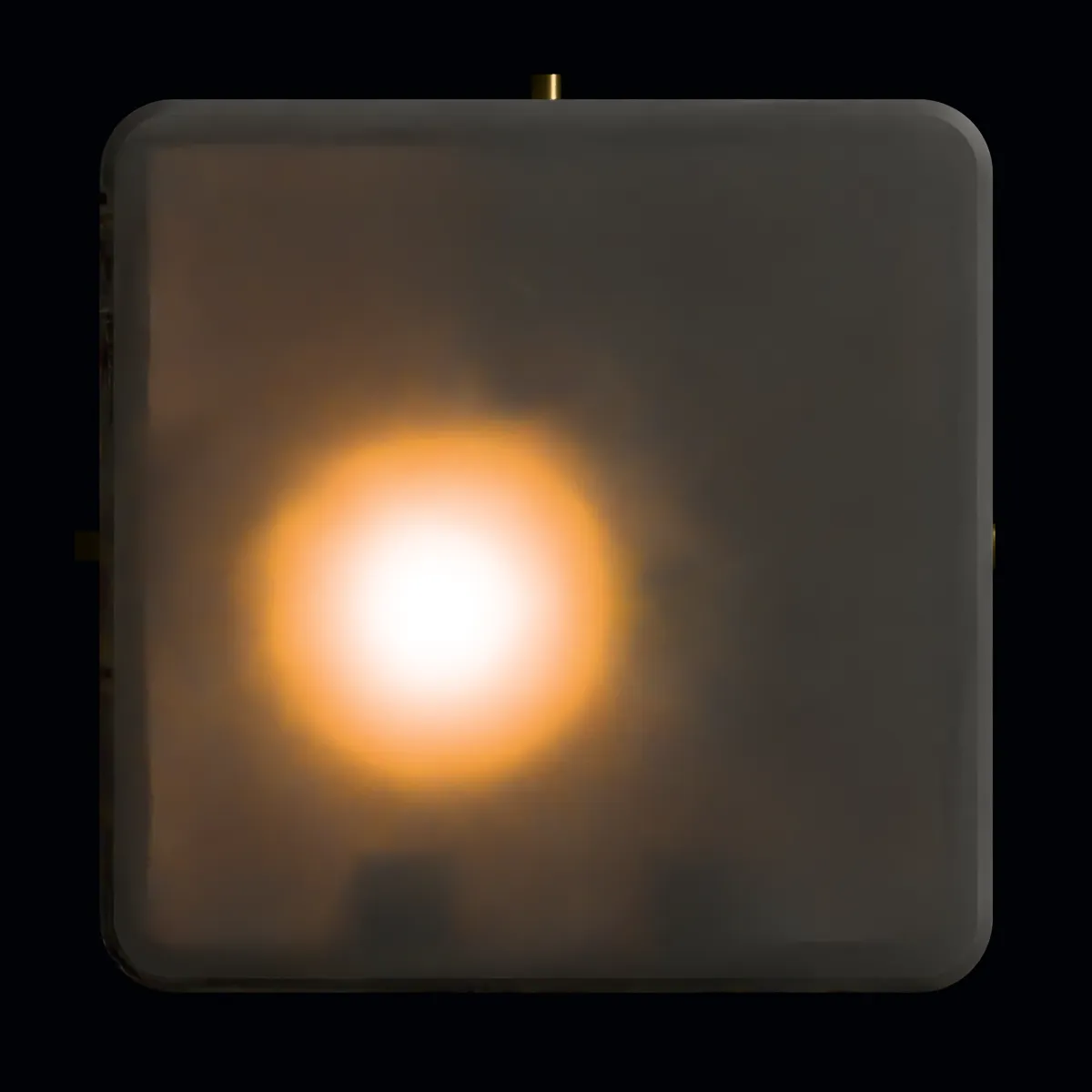
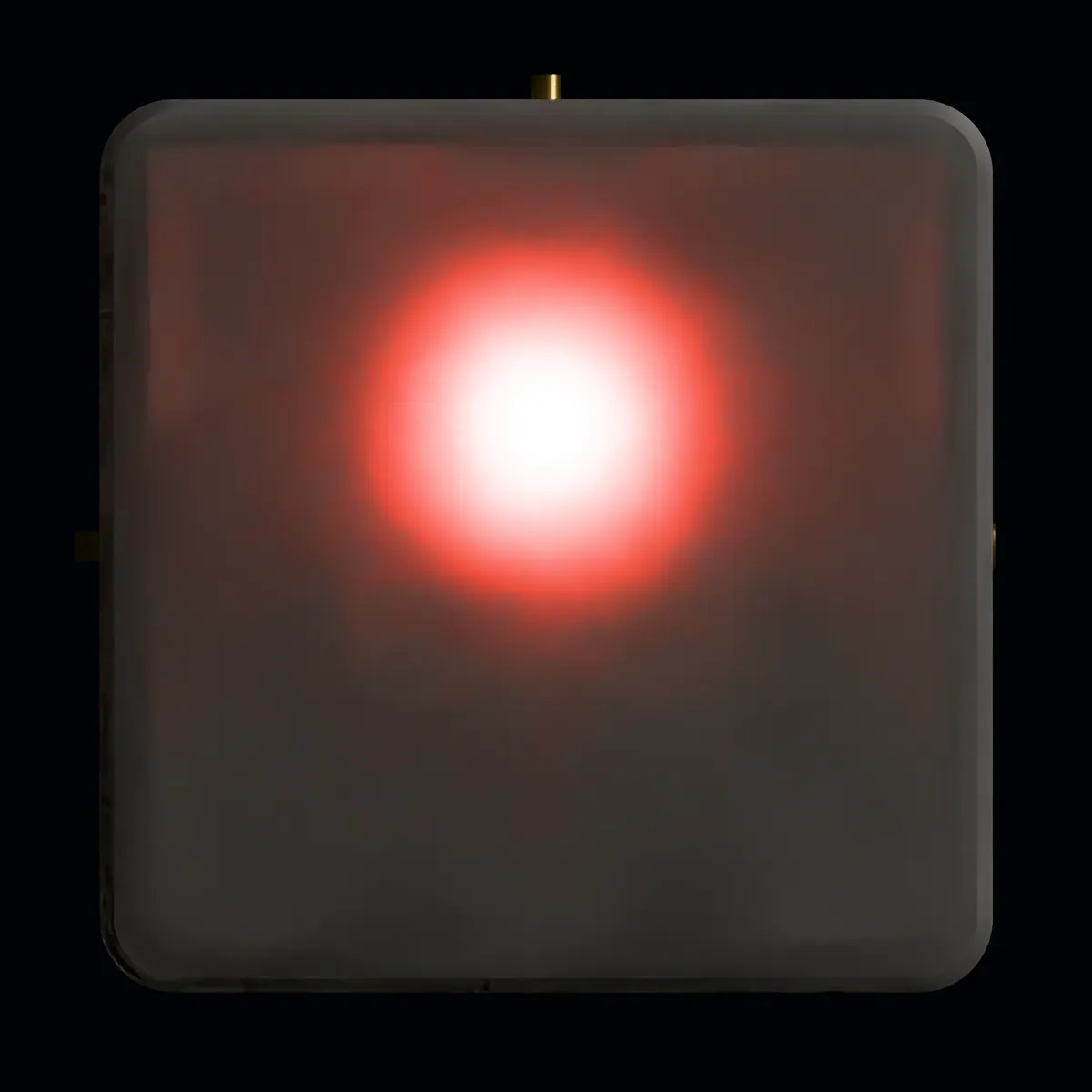
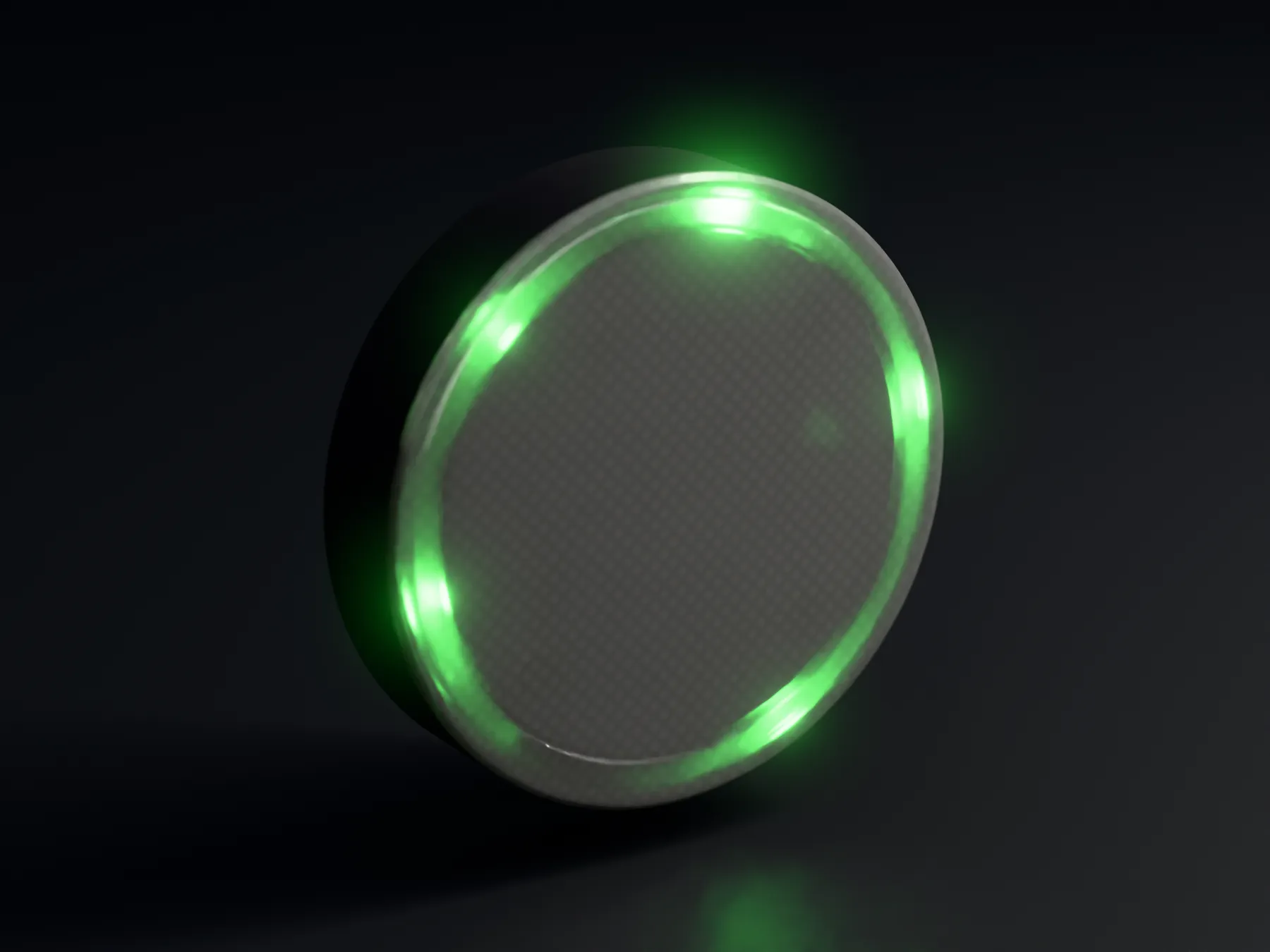
ReadyGreen, steady
Waiting for your next prompt.
The work is done and Claude is waiting for what comes next. Come back whenever it suits you.
A status light for Claude Code
A small light for your desk. It turns red the moment Claude needs you and green when the work is done, so you can look away while it works.
₺999 + VAT
Tap a state to try it
Build your own gridAn animation: while a Claude Code session works the light is yellow, it turns red when Claude asks for permission, and green once the work is done.
In use
Set it on top of your monitor or at the edge of your desk, and you catch its colour while you look at the screen.
01 — The problem
Claude settled into ten minutes of work, so you went back to your inbox. When you return to the terminal, there it is: a permission request from minute two, and eight minutes of nothing since.
Checking in has a cost of its own — every look at the terminal is a small context switch. The light answers is it done, or is it waiting for me without you turning your head.
The terminal can stay buried under your other windows. The light sits in the corner of your eye.
02 — Three states
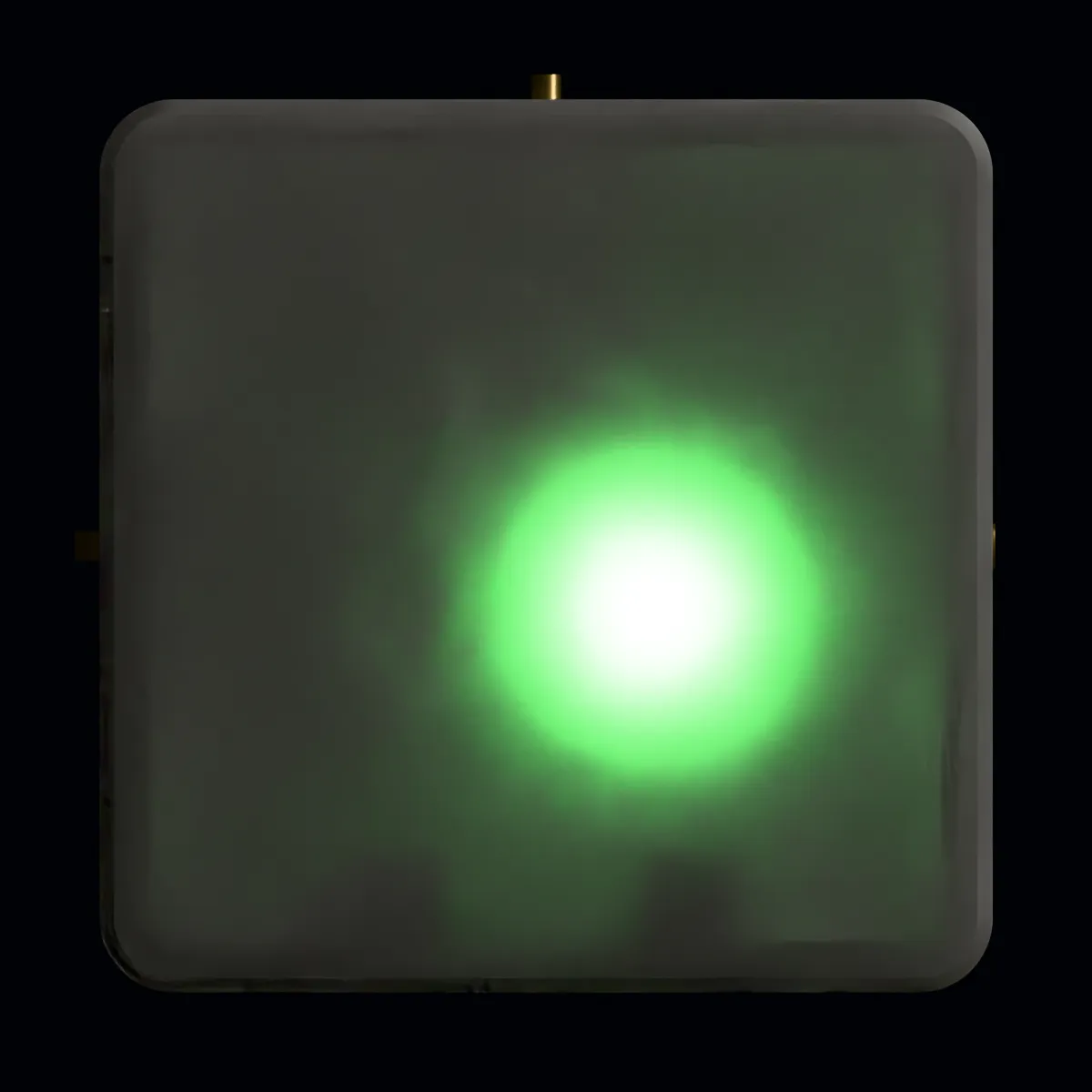
The lights differ in how they shine as well as in colour, so even a sideways glance reads them right.
ReadyGreen, steady
The work is done and Claude is waiting for what comes next. Come back whenever it suits you.
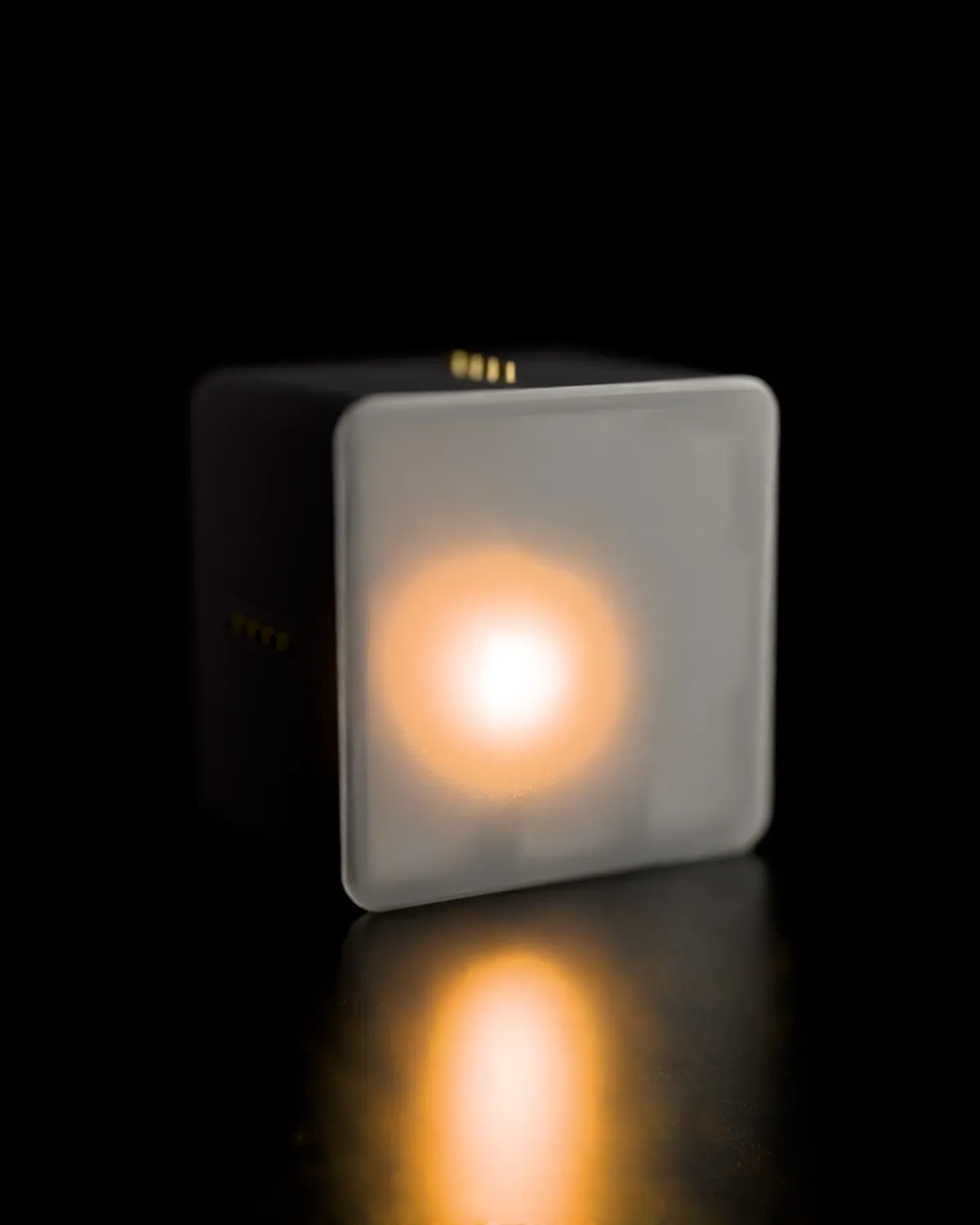
WorkingYellow, breathing
Reading files, writing code, running commands. While the yellow breathes the work goes on, and there is nothing to come back for.
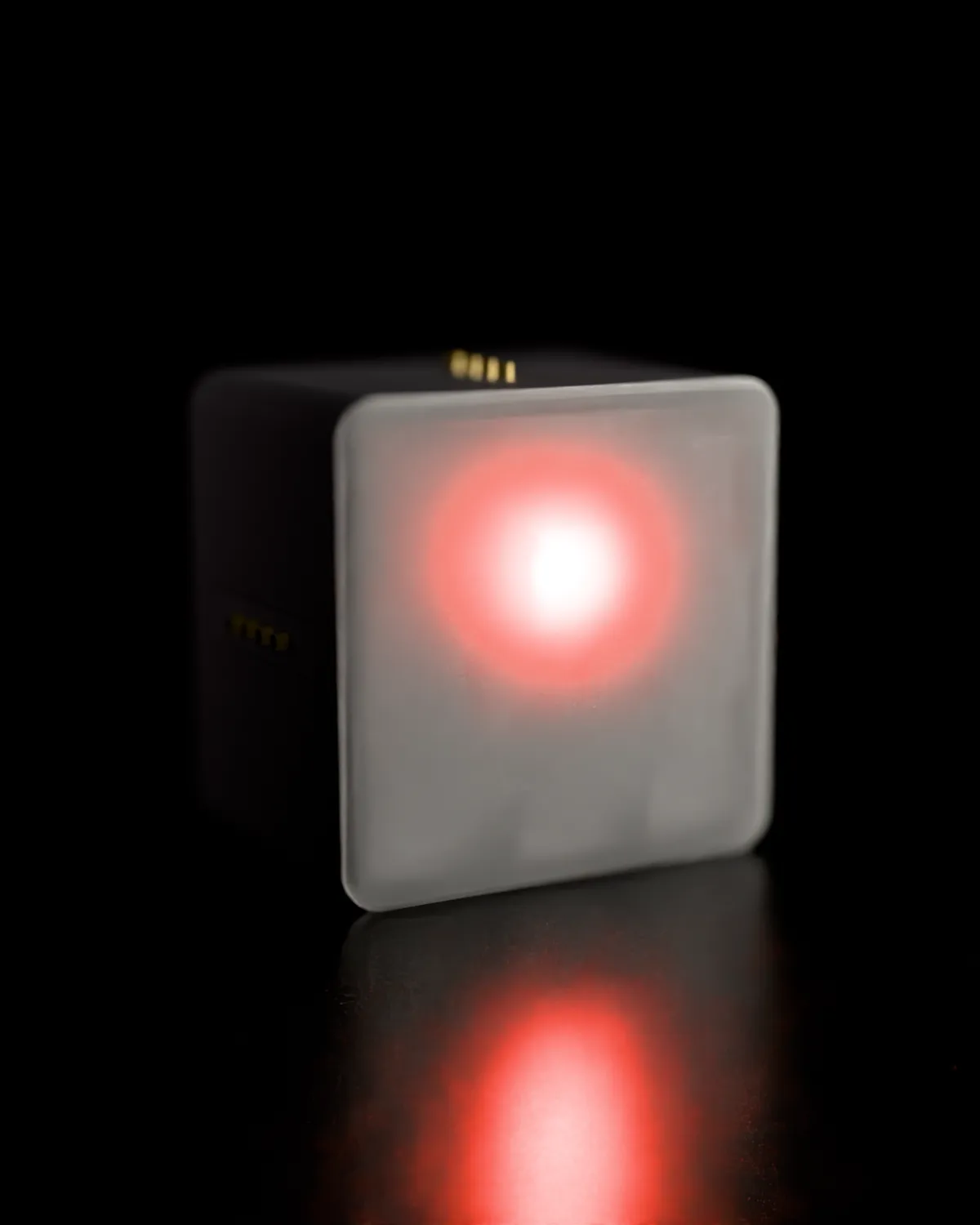
Needs youRed, blinking
It wants your approval for a command, has a question for you, or hit an error and stopped. Red blinks because every minute it waits is a minute lost.
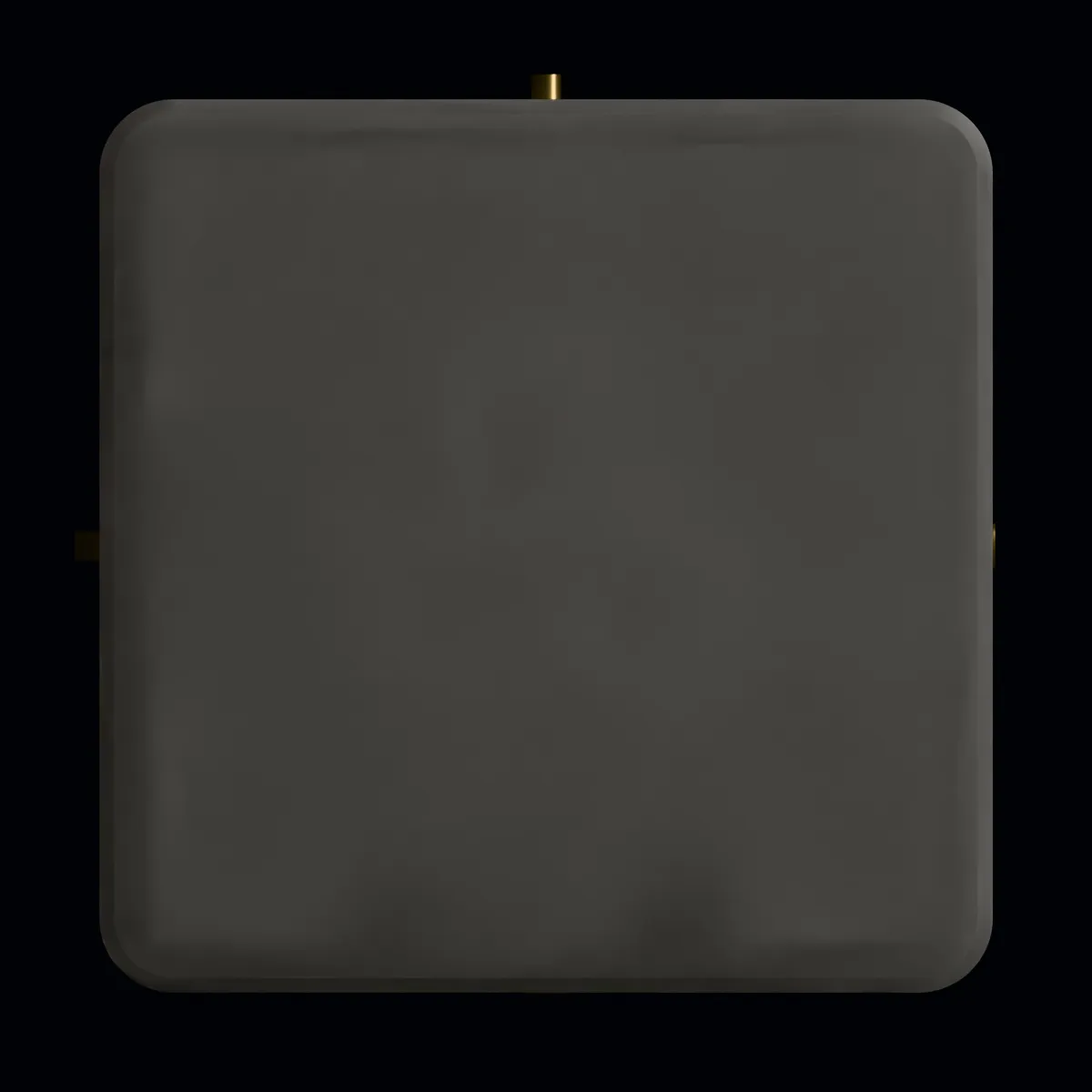
With no session open, the light goes dark. Nothing glows on your desk for no reason.
03 — Several sessions
Run several sessions at once and the light shows the most urgent: red if any one of them is waiting on you, yellow if any is working, green once they are all done.
Your work laptop and your own machine can share one light. Whichever computer the waiting session is on, the light shows it.
04 — Setup
A few minutes from box to desk. No app to install and no account to open.
Into your computer or any phone charger, over USB-C. A slow yellow blink says it is ready to be set up.
Open code.isbusy.co/setup in your browser, type the code from the light’s label and pick your network.
The page hands you three lines. Paste them into Claude Code and all three lights flash: you are linked.
❯ /plugin marketplace add berkaycubuk/isbusy-code
❯ /plugin install isbusy-code@isbusy
❯ /isbusy-code:link XXXXX-XXXXX
The code on the last line works once. The setup page makes it for you.
05 — Privacy
The plugin sends our server exactly two things: what happened — started, working, needs you, done — and which session it happened in. Your prompts, files and commands never leave your machine.
The whole plugin is one short shell script. You can read it before you install it.
{
  "session": "7f3c9a2e-…",
  "event": "attention"
}06 — Made by hand
We print every light in our own workshop, assemble it by hand and test each one before it goes in the box.
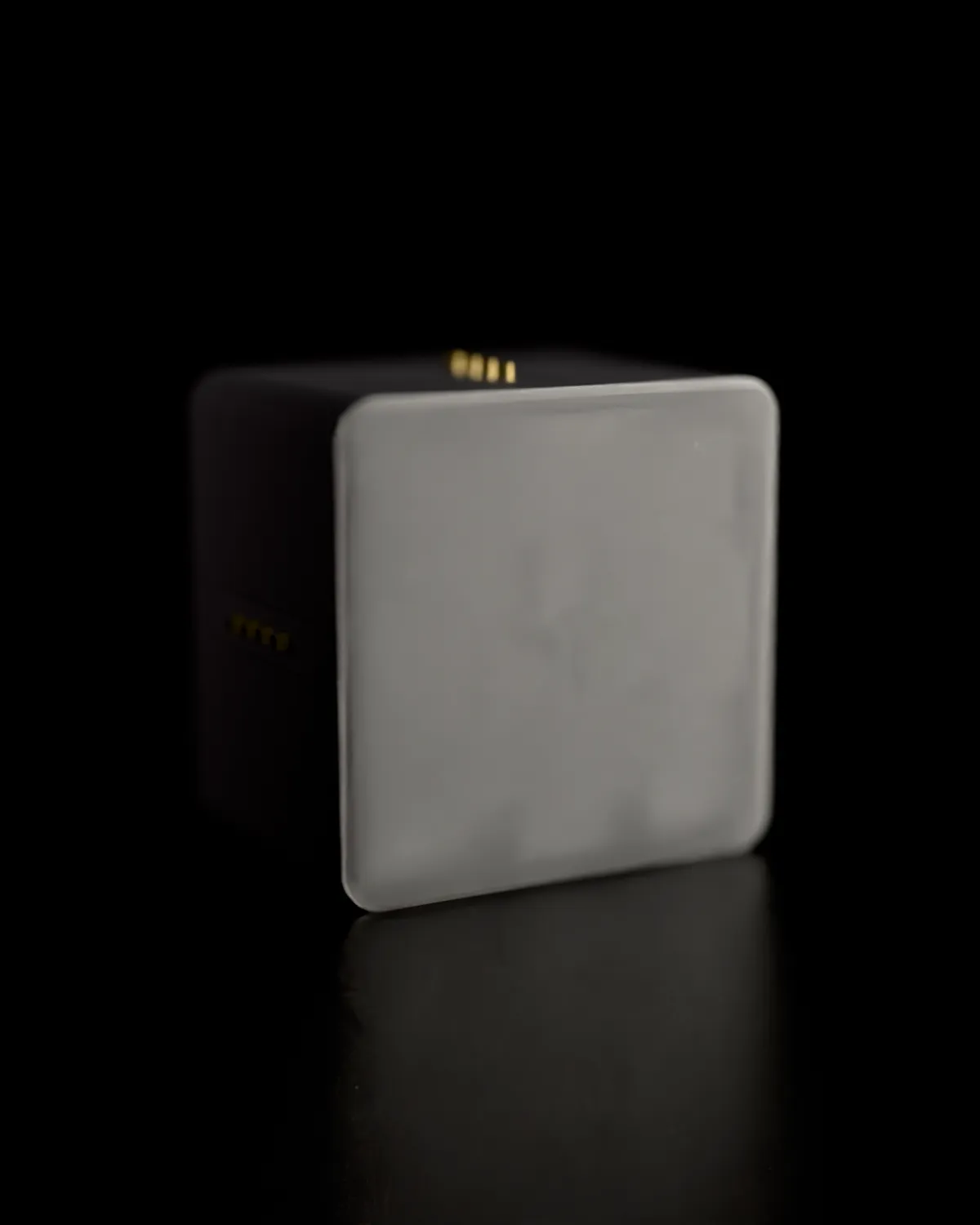
A matte black body with a white front. Unlit, the front is a plain surface; lit, the light comes through it as a full glowing disc rather than a bright dot. Magnets on every side, so a display or another block clicks on beside it.
isbusy
isbusy code comes from the people behind isbusy, the status sign that goes on the meeting-room glass. It follows the room’s calendar: green when it is free, red when it is taken. If your office has a daily scramble for rooms, take a look.
We make these in small batches in our workshop. Write to us and we will get back to you.
isbusy code is not affiliated with Anthropic. Claude and Claude Code are trademarks of Anthropic.